Hi, I am trying to reorganize the various tests that we have in folders representing each site/location, into customer named subfolders for better organization. Postman supports multi select in the Collections sidebar on the left, so I thought I could just click select all the folders I wanted, and then drag them into the new customer subfolders I created. The interface acts like it’s going to allow this, it shows that I have X folders selected (when multi-selecting) and when hovering mouse over the destination folder before releasing click, it shows it selects it. Everything to me acts like it’s about to move those folders into the subfolder upon mouse click release based on typical Windows app behavior. But when I let go, nothing happens. There’s no error or message, it just simply doesn’t move them.
I searched this group for this issue, saw old posts before multi-select was added but nothing on this specifically that I saw. I saw a lot of posts had requested screen recordings though, so I made this one of this issue so you can see what I mean. I mad two tests folders and blurred out our customers:
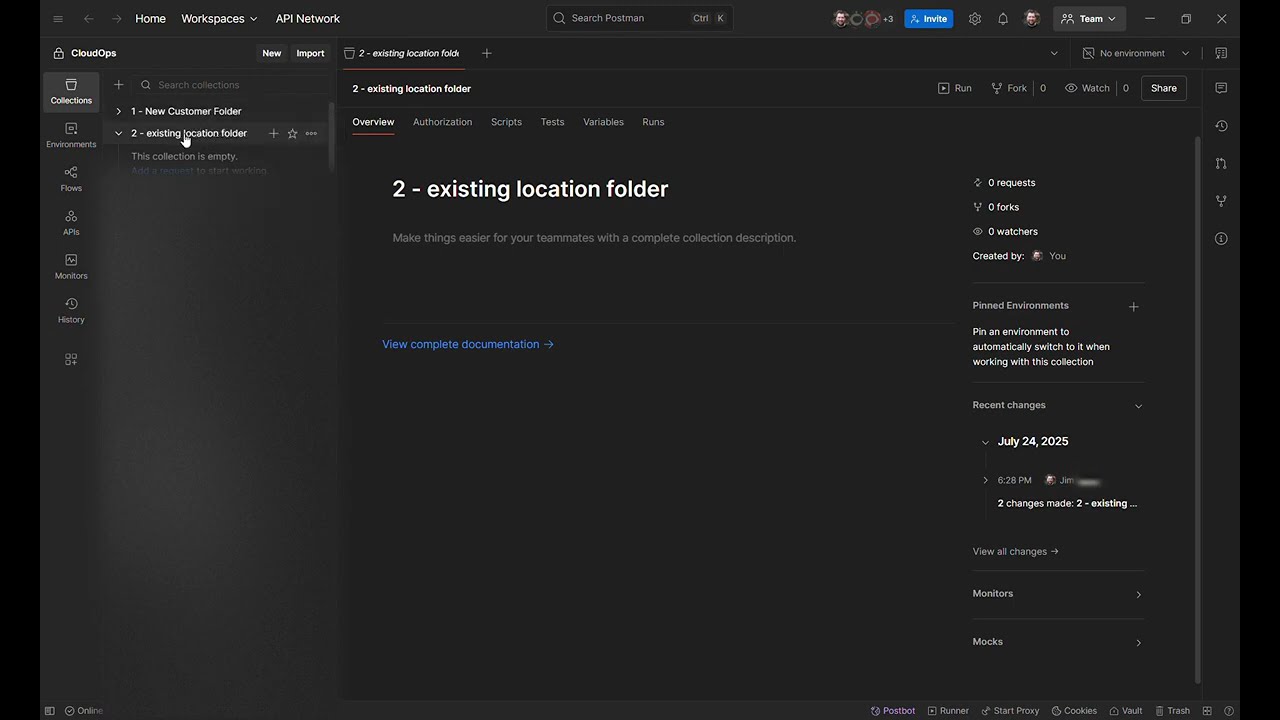
I thought maybe this is because it won’t move non-empty folders? So I tried dragging all the tests out of the folder first, before dragging and dropping, but no change. It’s as if it refuses to allow you to nest folders through drag and drop. Which is unusual, because it allows me to manually create the subfolders underneath, and then drag / drop the tests after into the new subfolder just fine. So drag/drop of tests works, and you can nest subfolders - just not via drag and drop?
To me this all looks like a bug? The functionality seems 90% there to the point it makes me think this might not be intentional? It’s been this way in at least the last two versions and I don’t recall if this ever worked prior.
First post instructions say to tag @danny-dainton ? Thanks.
 . Welcome to the Postman Community
 .
.