I work a hybrid role - part time WFH and part time in the office. This is important because when working from home my laptop is not connected to our network and this is the ONLY thing that is different between today and yesterday.
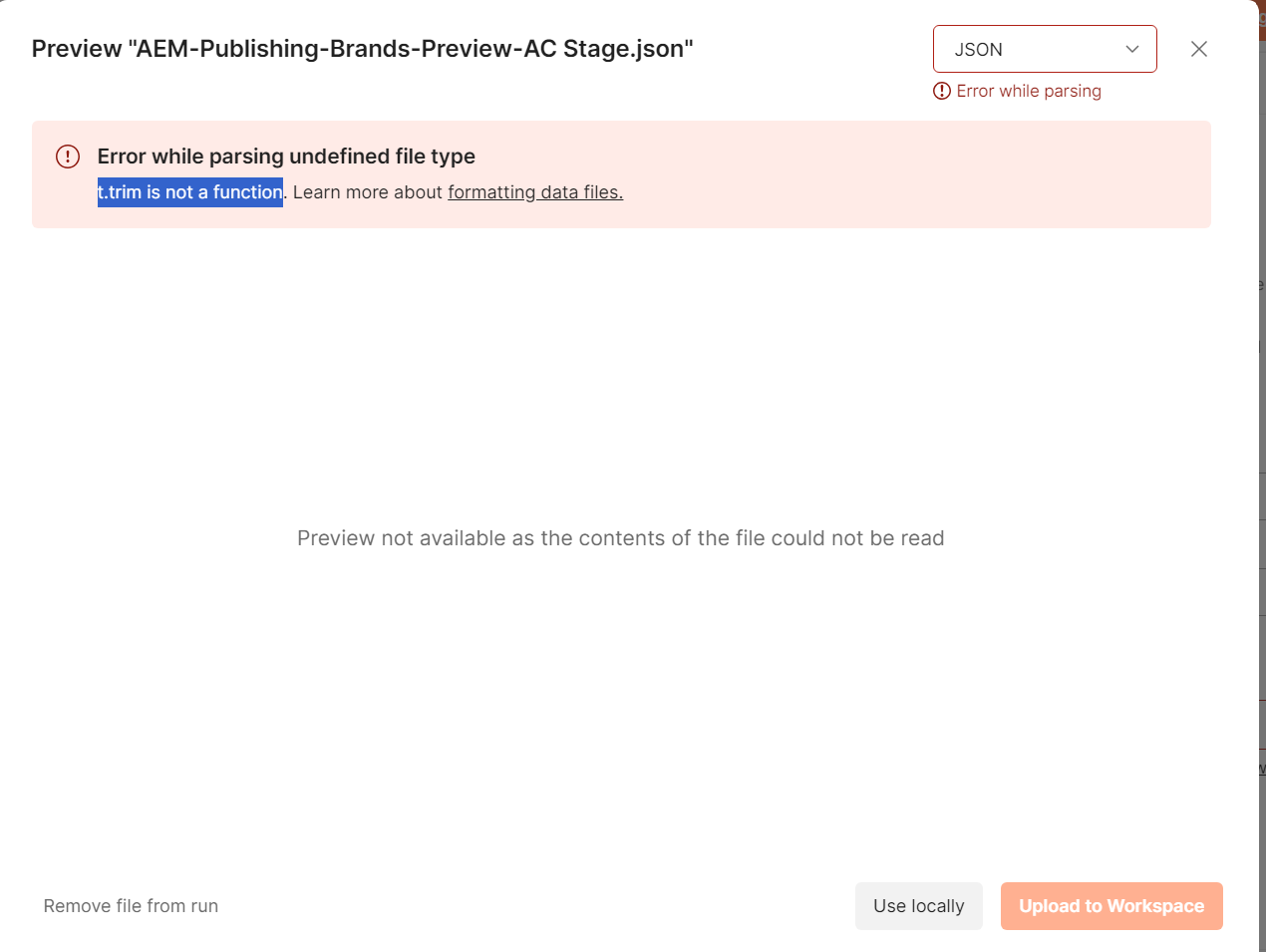
Yesterday, I ran 9 successful collection runs using csvs split from the a master file. I ran out of time yesterday and attempted to run the remaining one today and I get this error:
That’s it - column headers and 1 row of data. I saved this as CSV and tried to upload it into the runner. Same error. How am I getting the same error from just this?
I am using the desktop client - it’s up to date because it was only installed yesterday. If I use the same file in the cloud client, it works and previews absolutely fine.
Can anyone identify what is wrong with my desktop client?
Edited to add: If I upload the data file in the cloud client (the same one that causes the error as above) and then run it from the desktop client, it works perfectly. It just seems like anything uploaded locally is failing with the t.trim error.
To confirm, I am also on 11.63.4. It’s strange how it was working yesterday - afaik, yesterday’s version was the same as today’s - there are strict controls in place on our network so software can’t update itself without an admin code (believe me, it’s every bit as much of a nightmare as it sounds).
It looks like Postman are investigating, but in the short term, you can log into the web client and upload your file into the workspace, then when you open the runner in the desktop client, you can run the file from the workspace. Although this may have data protection and Infosec implications so make sure if you’re using this for any sensitive data, you follow applicable data protection guidelines for your organisation.


 Thank you for your reactivity !